
Register the daemon
Sign in to Cloud, create a one-time enrollment command, and run it on the computer you want to reach.
Reach persistent terminals on computers behind NAT from the AnyTTY TUI or mobile app. Cloud discovers the paired endpoint, tries a direct P2P path first, and relays encrypted traffic only when the network requires it.
Plans from $0. Paid plans start at $9.90 USD per month.
Cloud handles reachability. Pairing, terminal access, and file permissions still belong to the endpoint you control.
Sign in to Cloud, create a one-time enrollment command, and run it on the computer you want to reach.
Pair the AnyTTY TUI or mobile app with the target service. Each client keeps its endpoints on that device.
Cloud negotiates P2P first and switches to an encrypted Relay only when direct networking fails.
The client changes; the task does not. Shells, coding agents, and files remain on the endpoint daemon while Cloud gives each paired client a reliable route back.
AnyTTY TUI
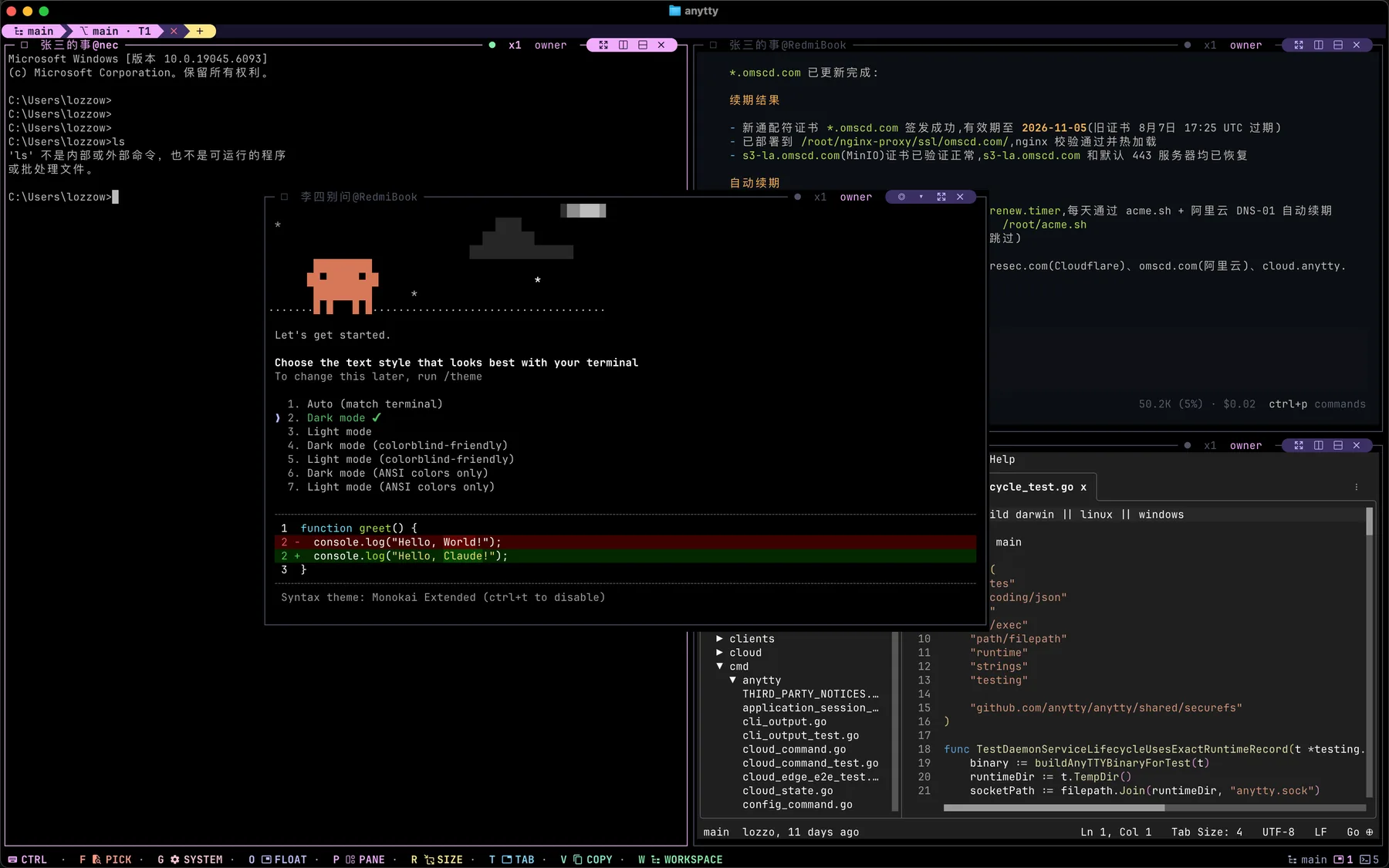
Open a paired endpoint in the AnyTTY TUI, arrange several remote terminals in one workspace, and keep the full keyboard workflow when you move between machines.
AnyTTY App
Scan a QR code or paste a short-lived pairing payload in the Flutter app. Each iOS or Android installation receives its own client-bound access.
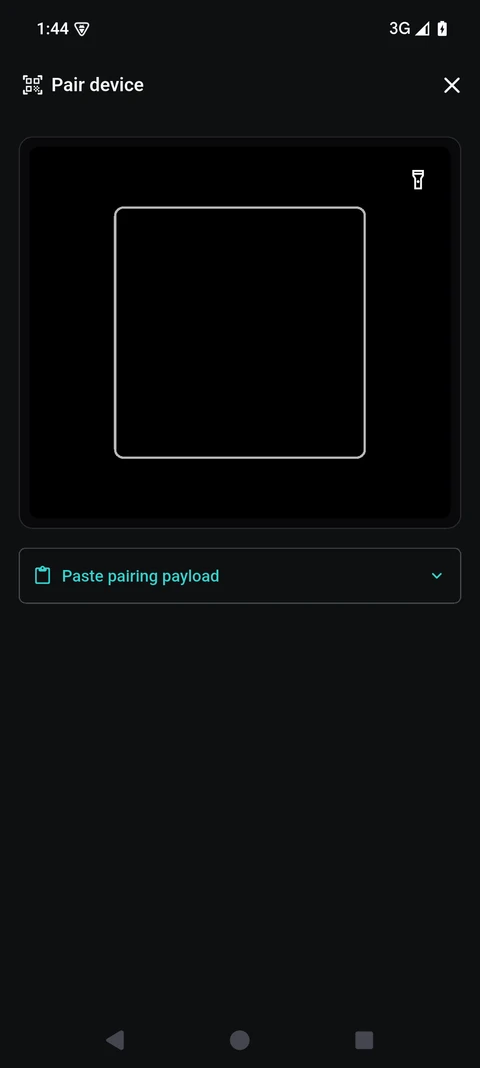
The mobile app does not populate devices from a Cloud account. Pair each client with the target service.
The daemon authenticates the connection and decides which terminals and files are available.
Relay infrastructure forwards encrypted traffic and is not designed to read terminal or file contents.
Every plan includes managed discovery, P2P negotiation, and Relay fallback. Direct and SSH connections do not require a Cloud subscription.
Prices are shown in USD and billed monthly. Applicable taxes and the final total are shown at checkout. Paid subscriptions can be canceled from the Cloud account and remain active through the current billing period.
A Cloud account manages daemon enrollment, routing, Relay capacity, usage, and billing. It does not replace endpoint pairing or daemon authorization.
A user must scan a claim from the target service before that client can connect.
The endpoint daemon enforces terminal and file access inside the encrypted connection.
Cloud is not a public file host, cyberlocker, open proxy, or covert monitoring service. It only connects authorized, explicitly paired endpoints.
Create a free Cloud account, register one daemon, then connect from the AnyTTY TUI or mobile app.