
Pairing and access
Pairing converts a short-lived one-time claim into a grant bound to one client identity. The daemon remains the final authority. A route makes the daemon reachable; it does not authorize terminal or file operations.
Create a claim
anytty pair createThe default claim lifetime is 10 minutes. It may be redeemed once. The resulting grant defaults to 2160 hours (90 days). Use pair create --help to set the current route, grant lifetime, and optional terminal scope.
Treat an unredeemed claim as a secret. Do not put it in chat, a ticket, a shared shell history, or a screenshot.
Scan or paste
Open Add Device in the app, scan the QR code, or paste the text form. Verify the daemon identity, route details, requested capability, and expiration before accepting.
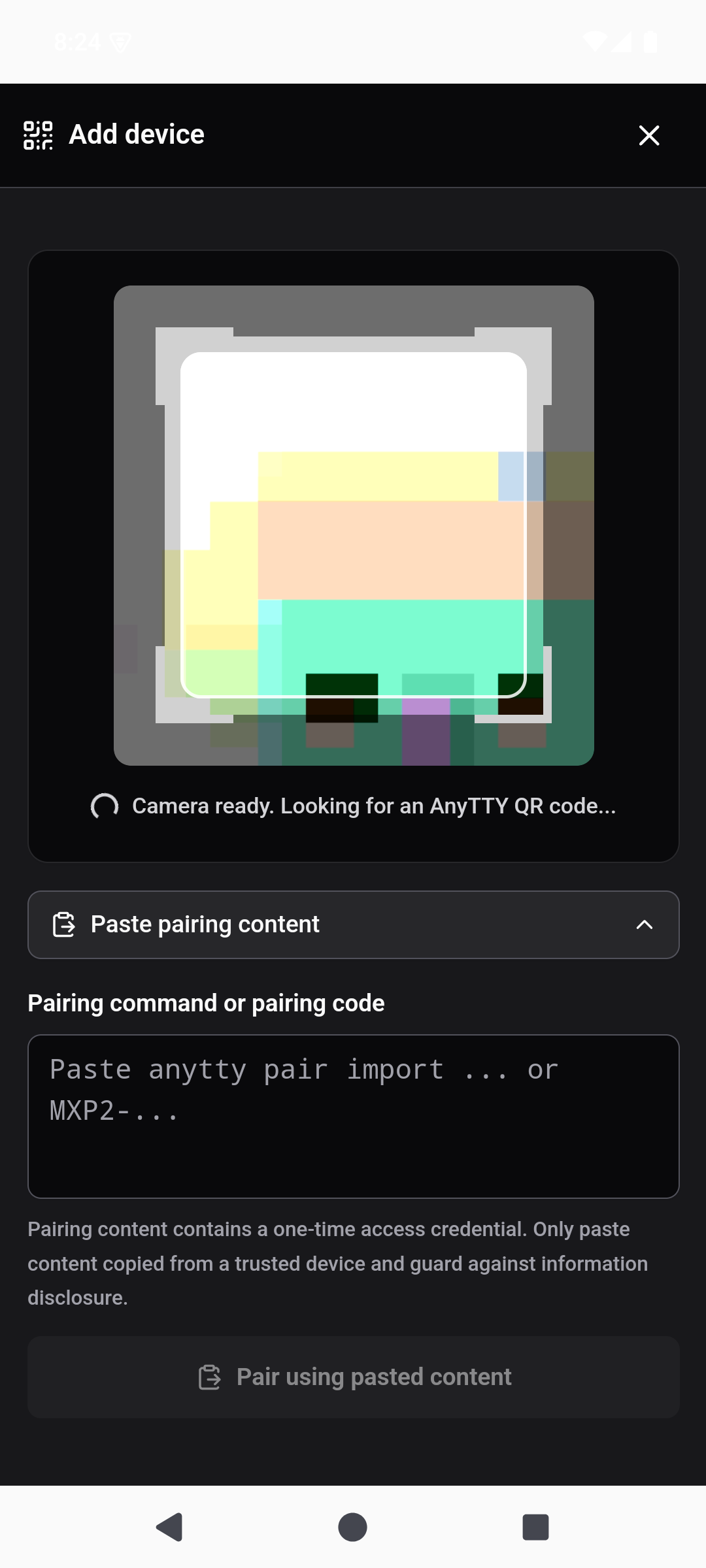
For a CLI client:
anytty pair inspect CLAIM
anytty pair import CLAIM
inspect verifies metadata without turning endpoint information into authorization. import redeems the one-time claim and writes client-bound credentials and endpoint registry data.
Scope and expansion
A grant may be narrowed to one terminal and expiration. File capability is a separate permission and remains constrained by daemon file policy. If importing would broaden existing scope, the CLI rejects silent expansion; --allow-scope-expansion must be deliberate.
Prefer creating a new narrow claim to granting broad access and relying on later revocation.
What to verify
- The claim is still valid and was generated on the intended daemon.
- The receiving client presents a fresh identity.
- The daemon identity matches the expected endpoint.
- Route and transport protection are established.
- The grant scope authorizes the requested terminal or file operation.
Changing Local, SSH, Direct, or Cloud routes cannot skip these checks.
Inspect and revoke access
anytty access identity
anytty access list
anytty access revoke GRANT
Removing an endpoint from a phone does not revoke the daemon grant. When a device is lost, revoke it on every daemon it could access. Then remove saved endpoints and rotate any separate SSH or Cloud credentials that may also be exposed.
Common failures
- Expired or already used: generate a new claim.
- Clock skew: correct system time on both devices.
- Identity mismatch: stop and verify the host; do not override the pin.
- Scope denied: issue an appropriately narrow grant rather than weakening daemon policy.
- Route unreachable: test Local, SSH, Direct, or Cloud independently with
endpoint test. - Import wants broader scope: review the difference before explicitly allowing expansion.
For the full trust model, read Security and privacy.