Install, upgrade, and uninstall
Official releases currently provide desktop archives for macOS, Linux, and Windows on x64 and arm64. Verify the version and checksum before starting the daemon.
Desktop installation
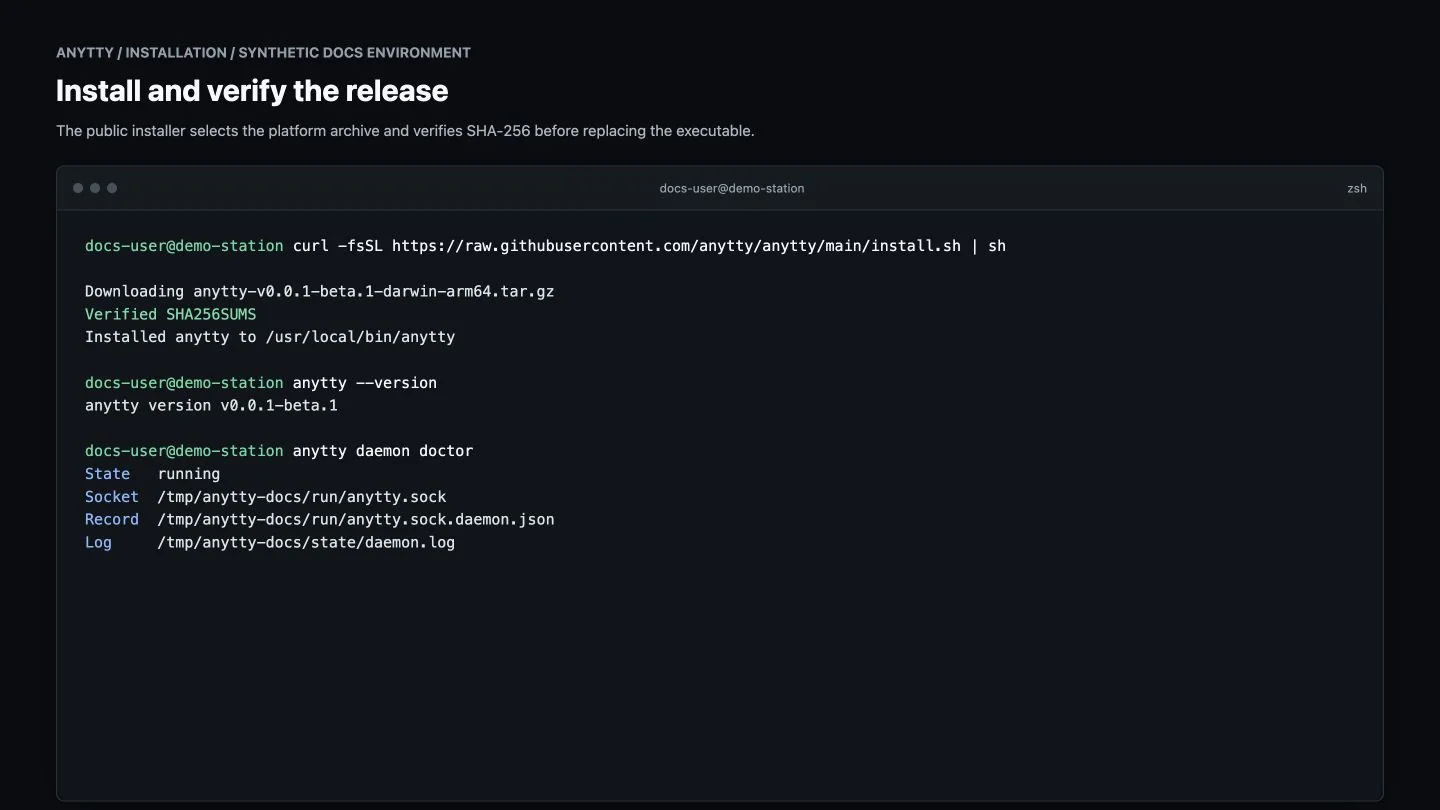
macOS or Linux:
curl -fsSL https://raw.githubusercontent.com/anytty/anytty/main/install.sh | shWindows PowerShell:
Invoke-WebRequest https://raw.githubusercontent.com/anytty/anytty/main/install.ps1 -OutFile install.ps1
.\install.ps1
The installers select the platform archive and verify SHA-256. For manual installation, download the matching asset and checksum from the GitHub Releases page, verify it, and place anytty on PATH.
Mobile clients
- Android is available as a Beta APK. The current release APK is unsigned, so inspect the source and release checksum before sideloading.
- iOS and iPadOS source can be built with Xcode; public package and store distribution are still in progress. Minimum supported iOS is 15.
Mobile installation alone does not grant access. Pair every app explicitly with the target daemon.
First start
anytty --version
anytty config validate
anytty daemon start
anytty daemon status
If startup fails, run anytty daemon doctor and inspect anytty daemon logs --lines 100. Run the daemon as the current user; root is not required for normal use.
Upgrade
The original v0.0.1-beta.0 build predates the update command. Upgrade that build once by rerunning the installer; later upgrades can use anytty update.
Check the public GitHub Release without changing the installation:
anytty update --checkRun anytty update to download the matching archive, verify its GitHub asset digest and SHA256SUMS, and replace the on-disk executable. The command does not stop or restart the daemon, so running terminals remain owned by the old daemon process:
anytty updateNew CLI/TUI invocations use the updated binary. Restart the daemon only when you are ready to apply daemon changes; restarting ends its running terminals. Before a compatibility-breaking Beta update, read the release notes, back up non-sensitive configuration, and checkpoint work that cannot be recreated.
Beta releases may change CLI, protocol, config, or storage formats. Old history formats may be removed instead of migrated.
Downgrade and migration
Do not assume a newer configuration or history store can be opened by an older Beta. Prefer reinstalling the target version, re-pairing clients, and migrating only documented compatible settings. Protected credential material should not be copied as ordinary files between devices.
Uninstall
Stop the user service first, remove the binary and service registration, then decide separately whether to retain configuration, endpoint registry, logs, clipboard history, and terminal history. Locate the actual paths with:
anytty config pathsDeleting history or protected credentials is irreversible and can remove the only remaining access for a client. Review each resolved path instead of deleting a broad user directory.
Build from source
Desktop builds require Go 1.26.5, Node.js 24, and npm. Android additionally requires Java 21 and the Android SDK; iOS requires macOS and Xcode. See Build and contribute for repository checks.